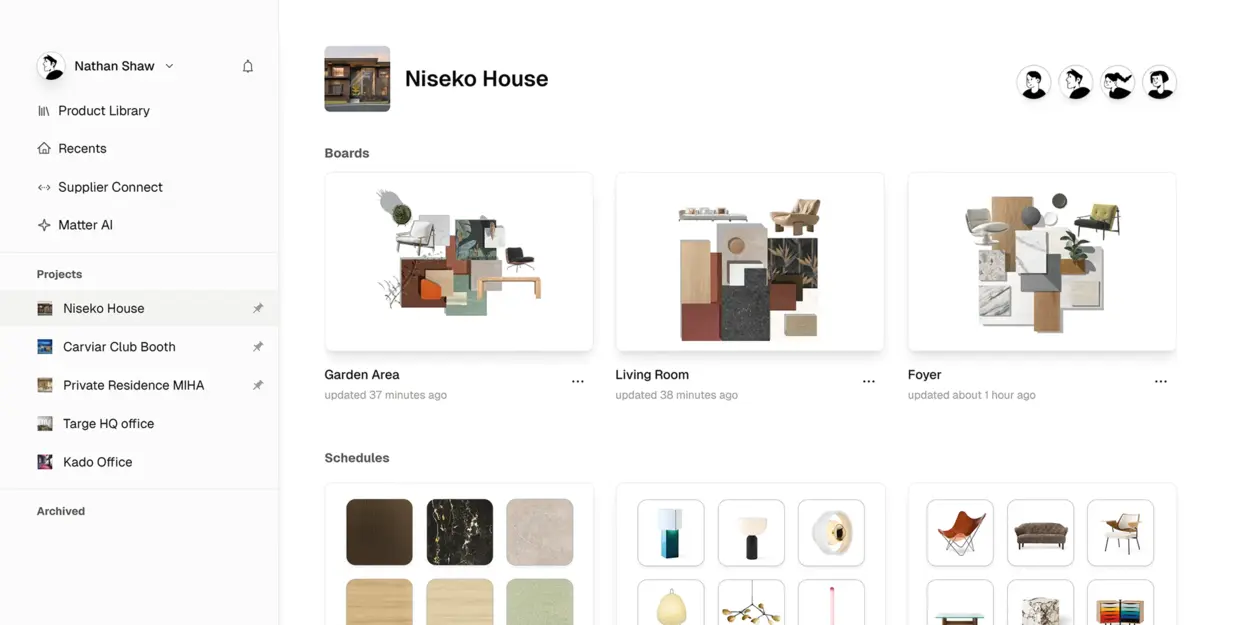

The most intuitive way to create schedules.
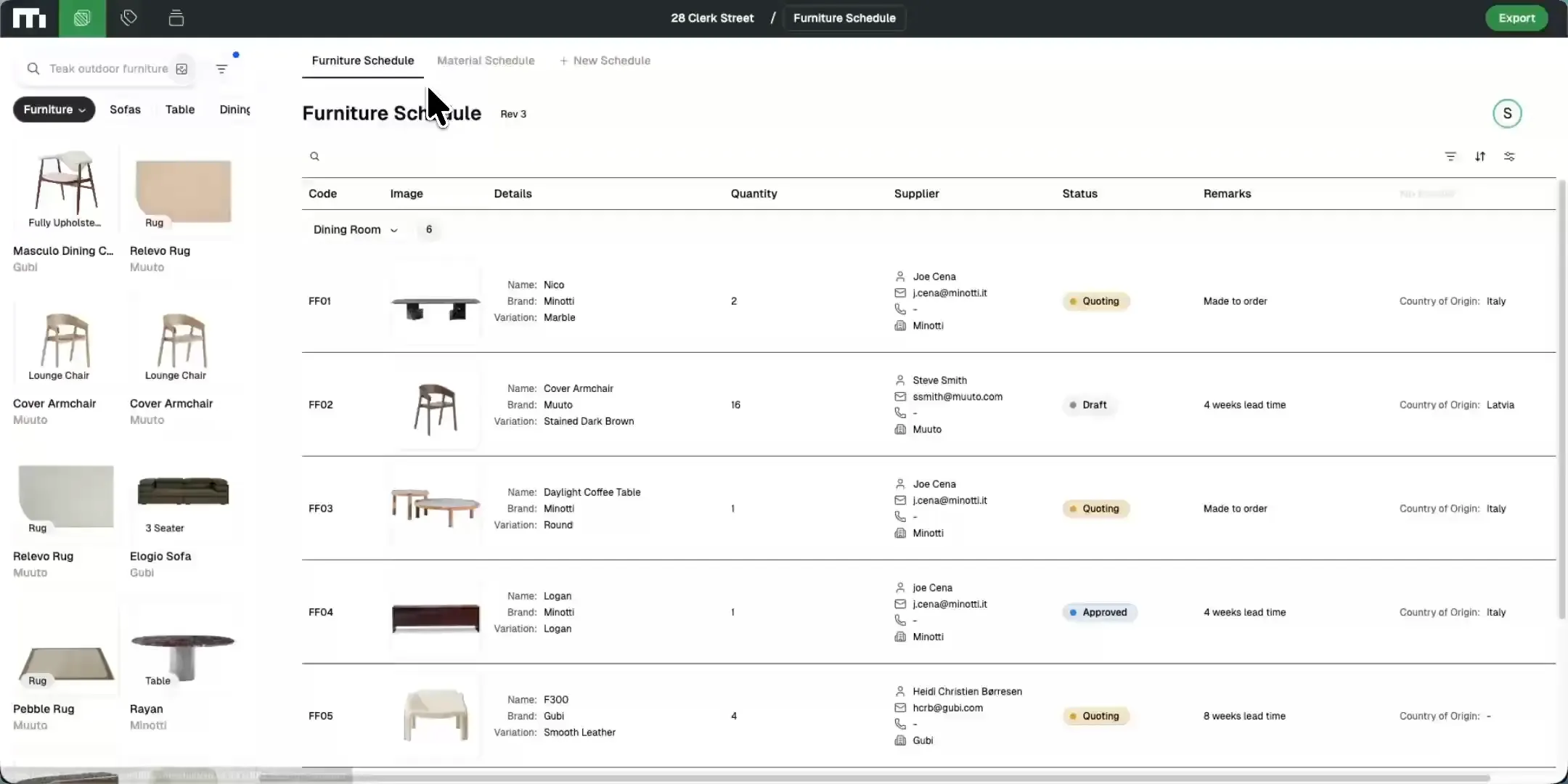
Your new specification workflow
Drag and drop products
Browse thousands of furniture, lighting, and decor products.
Simply drag and drop items directly into your project schedules—no manual data entry required.

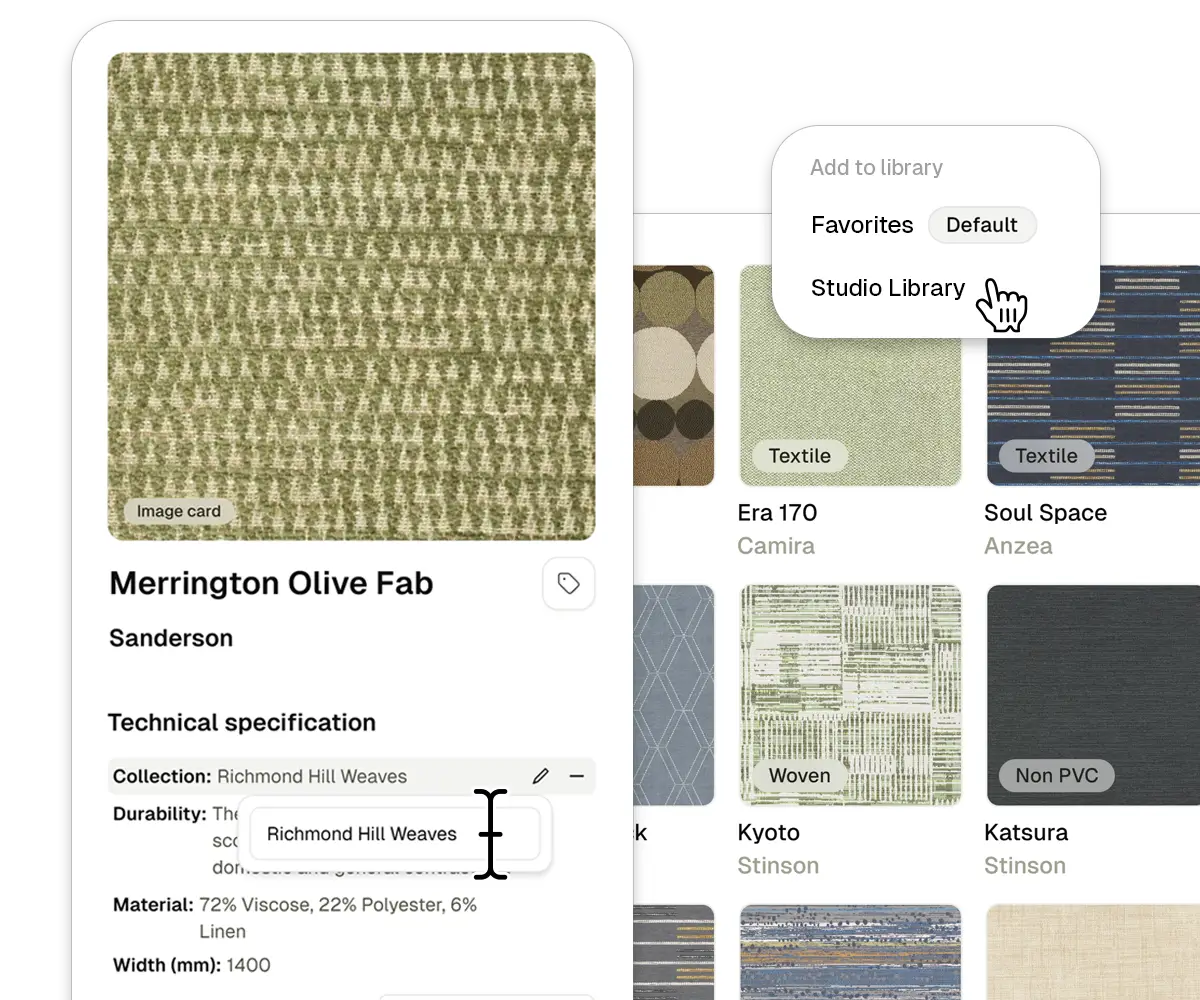
Build Your Own Library
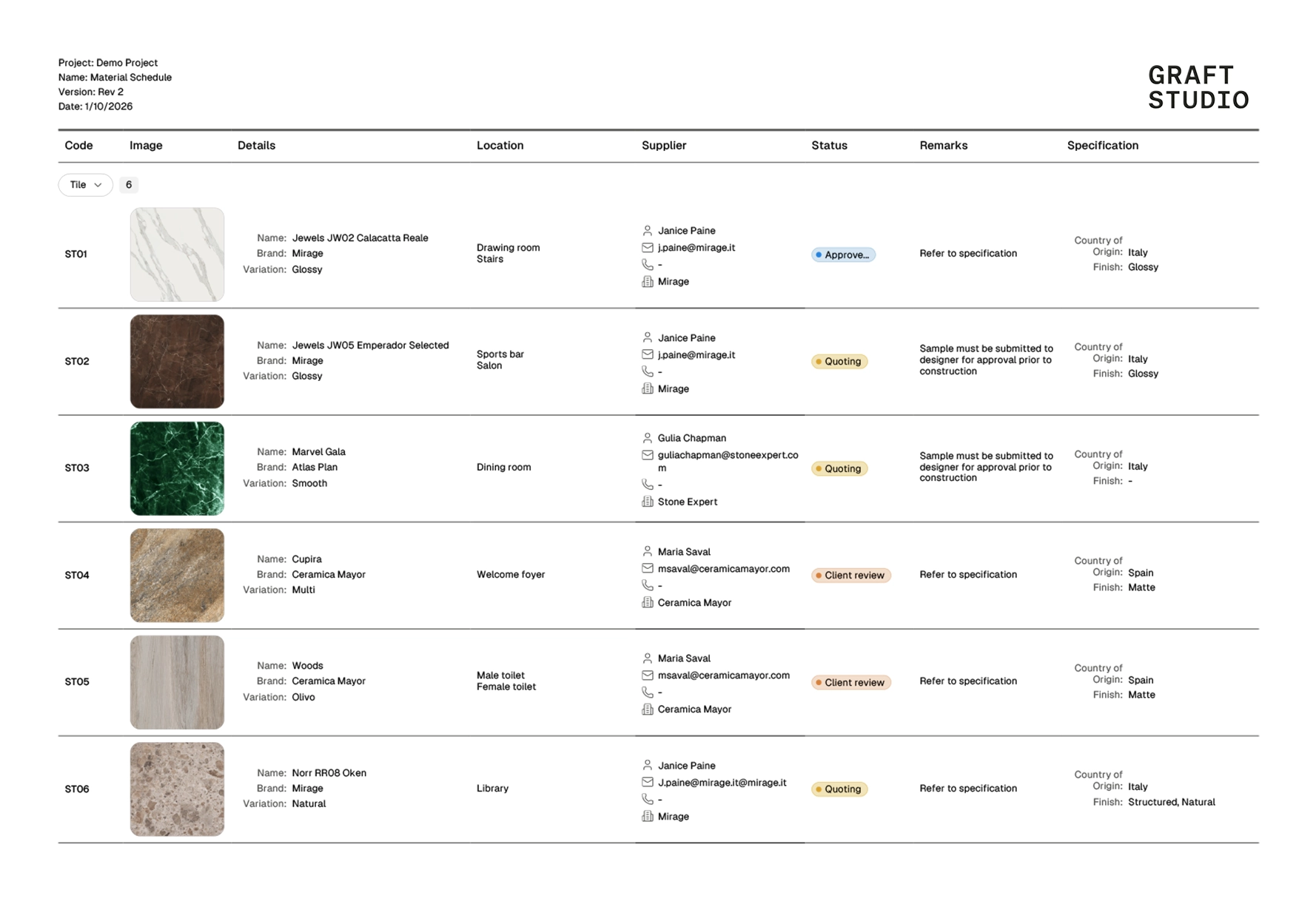
Save your commonly used products and materials to your custom libraries. Organize materials finishes and furnishings for easy access across all your projects.
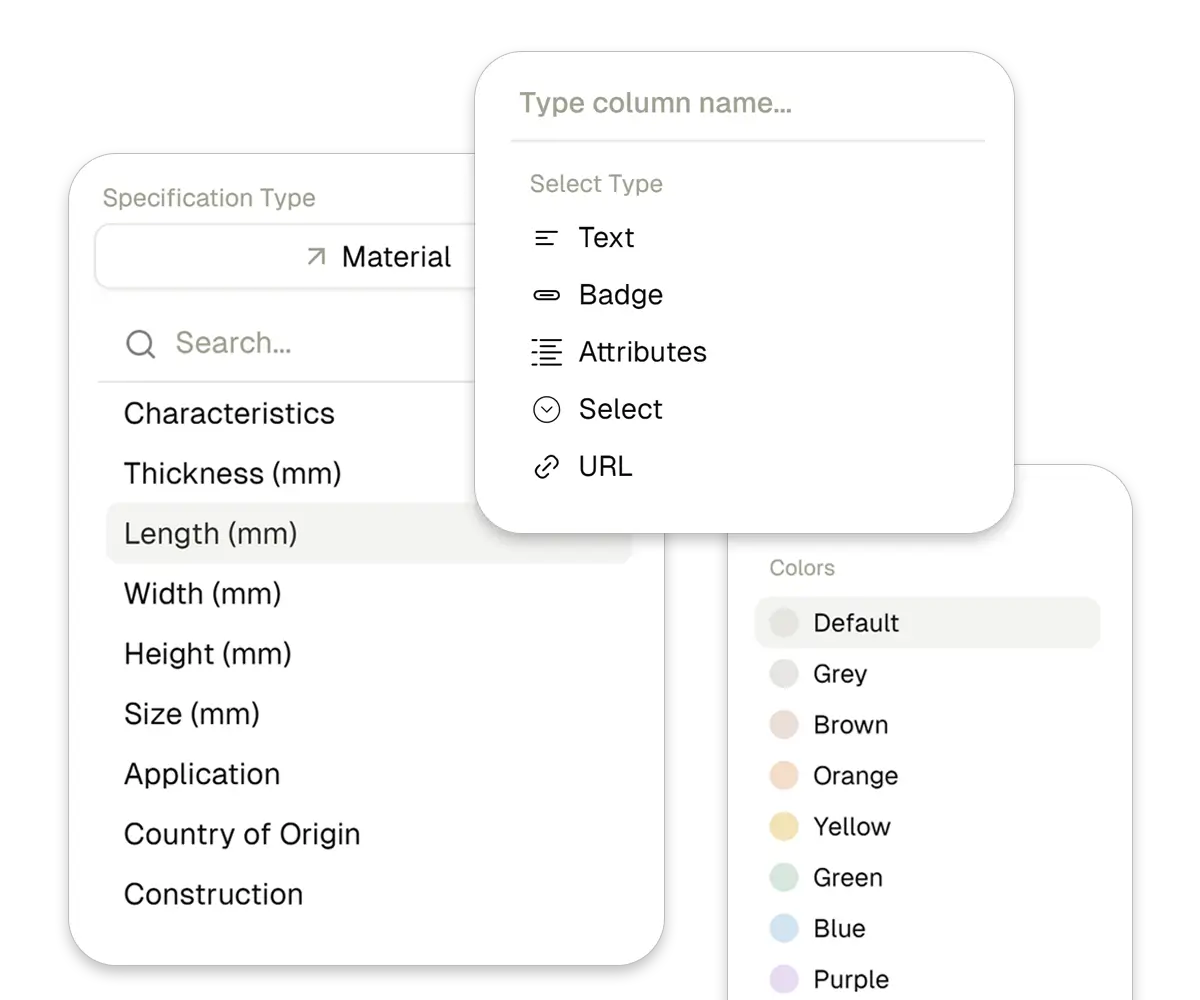
Personalize your schedules
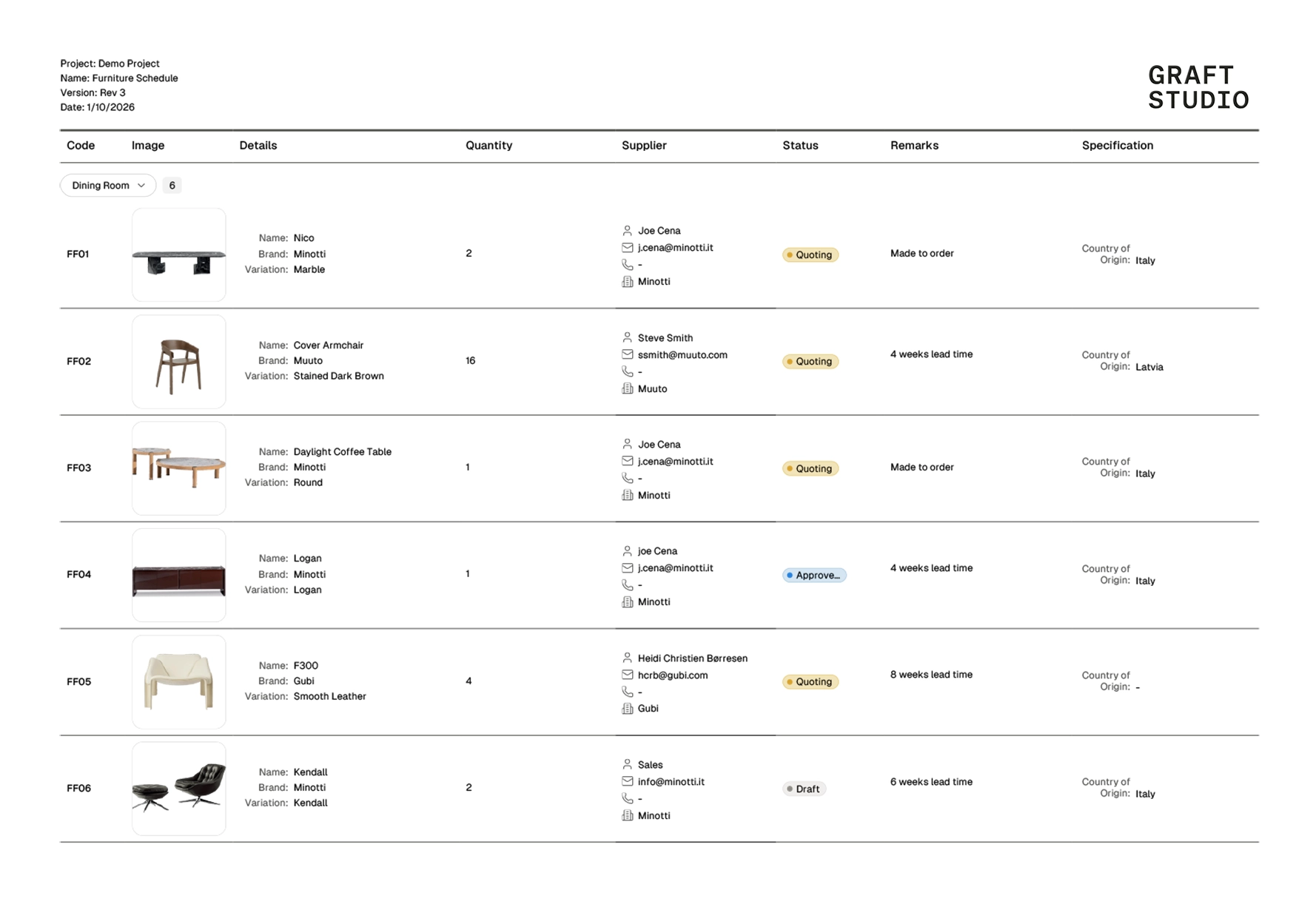
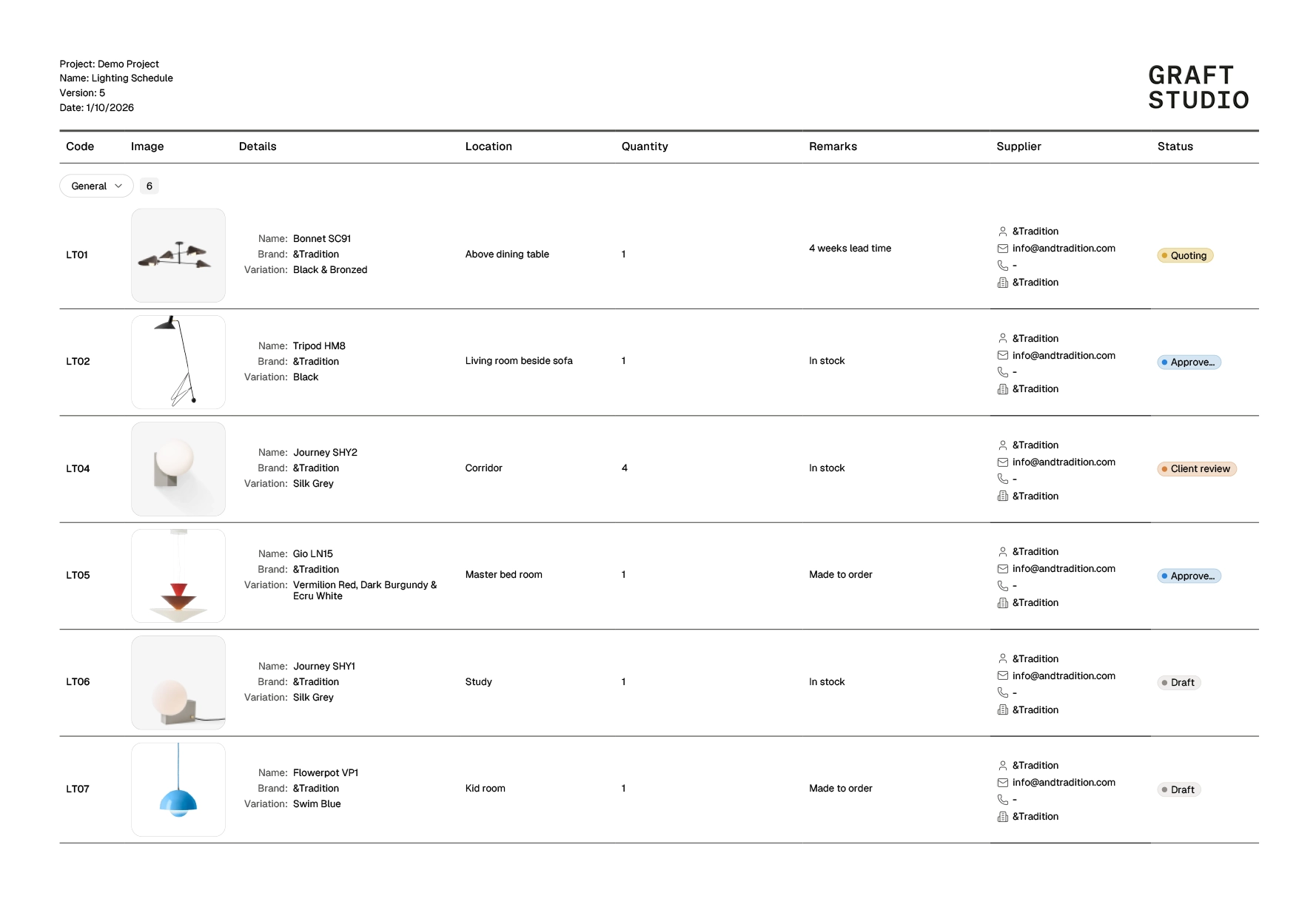
Customize your schedules with the columns and data you need. Add material attributes, dimensions, characteristics and more.
Everything in one place
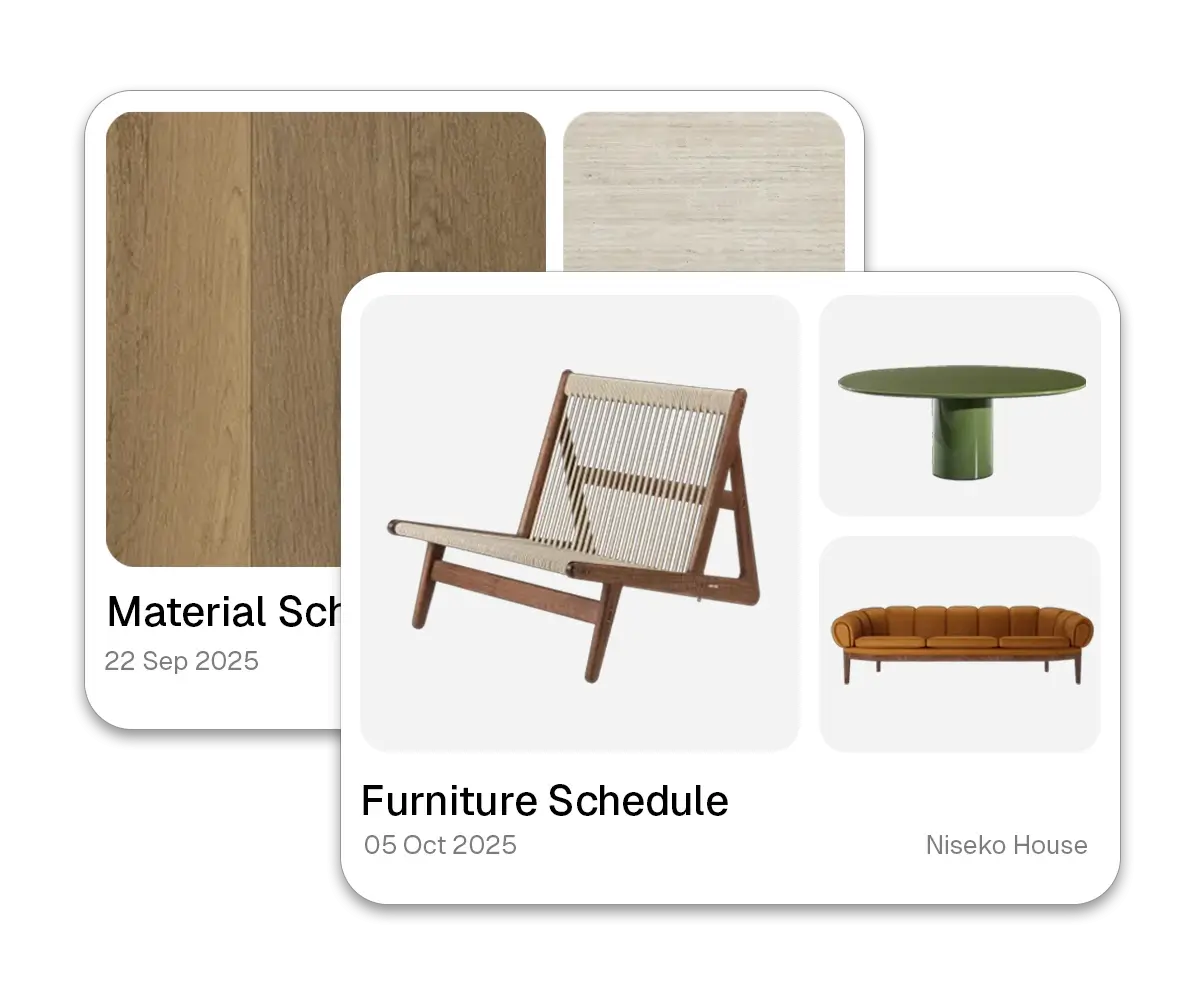
Material Schedule
Furniture Schedule
Lighting Schedule



Streamline Approvals
Sharable link
Share a professional link with clients. They can view images, review specs, and explore your schedule from any device.
Approval Tracking
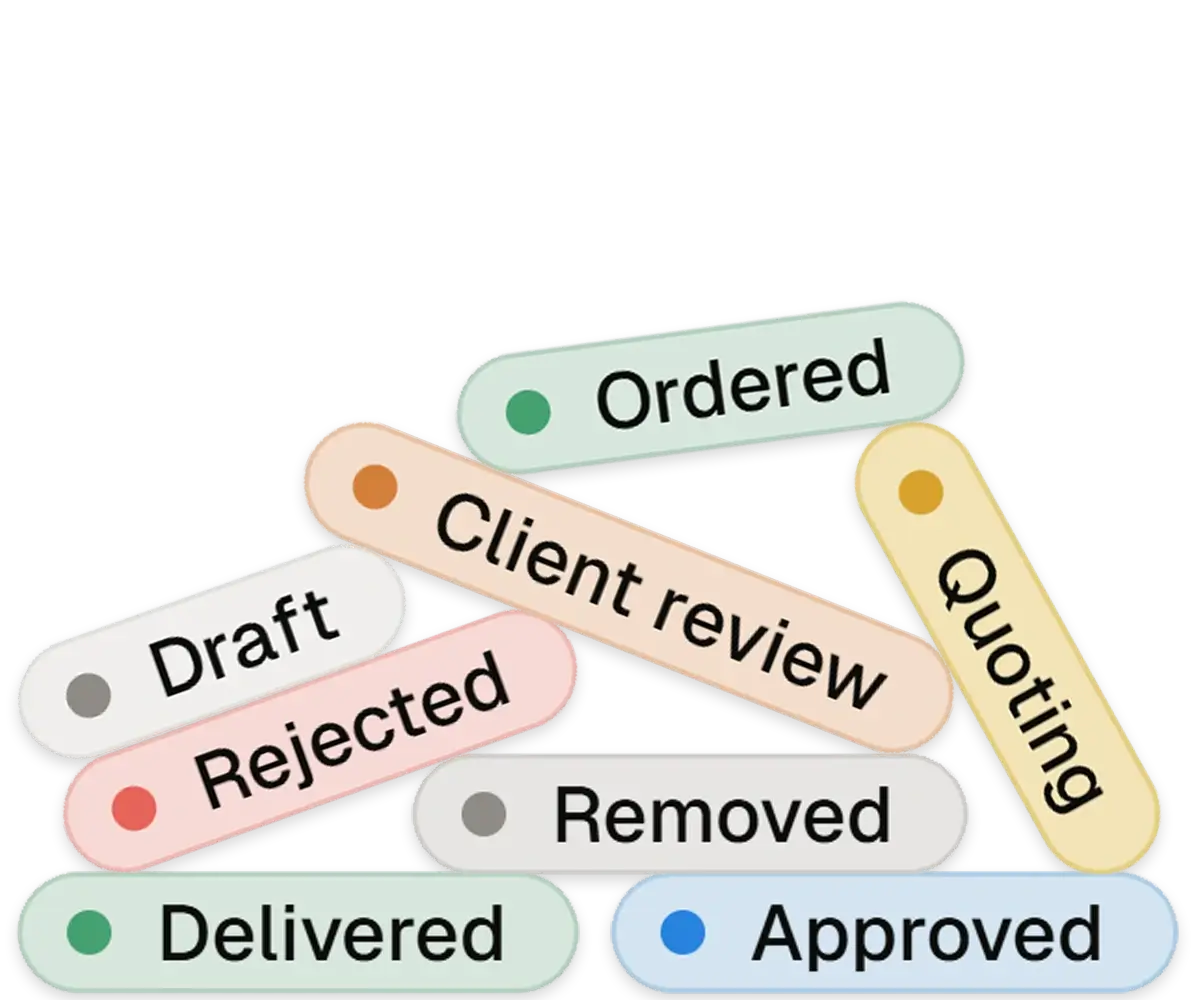
Monitor every item from draft to delivery. Track approvals, rejections, and orders with visual status labels.
Direct Supplier Quote
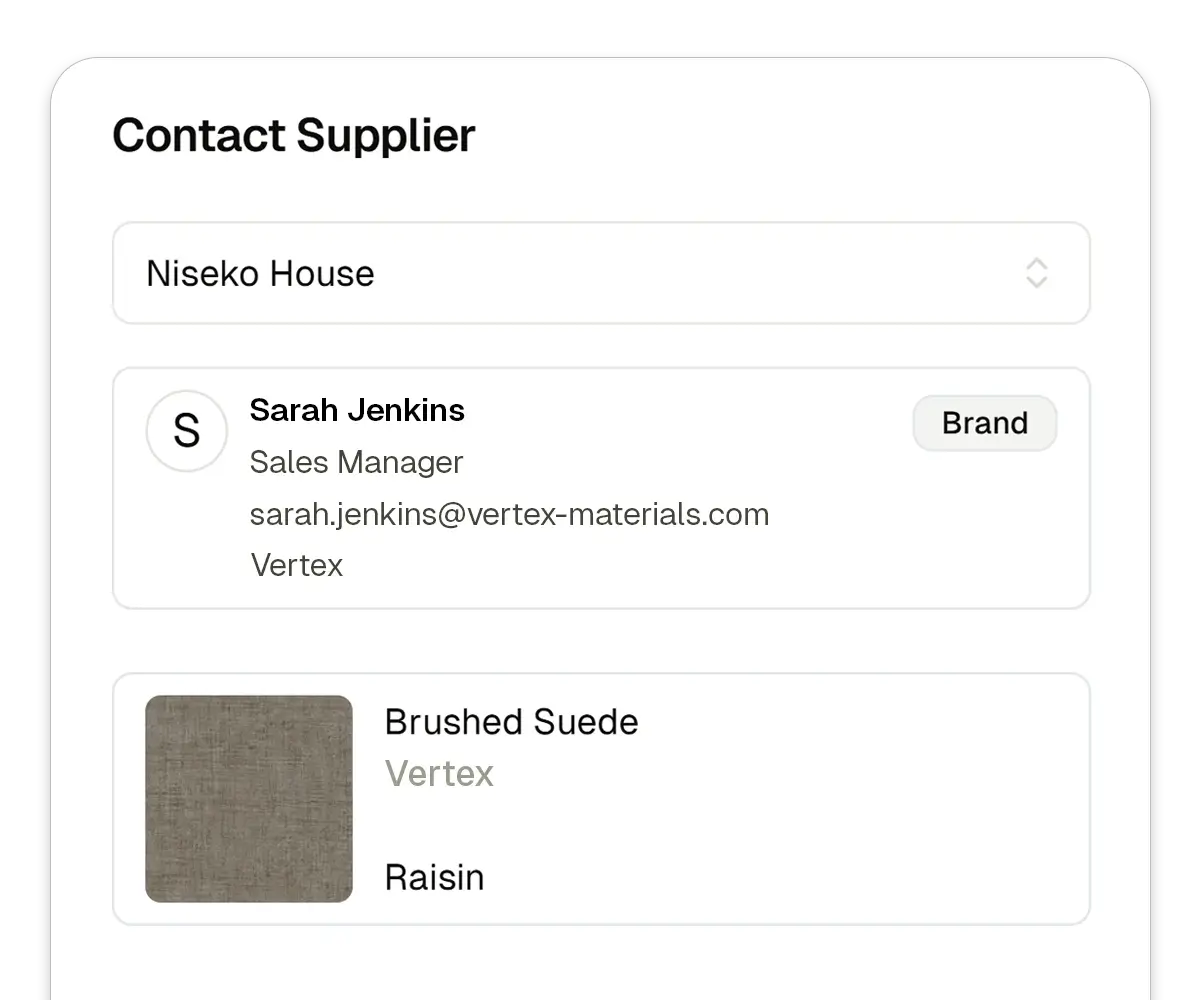
Request quotes directly from suppliers. Select products from your schedule and reach out to sales reps with one click.
Collaborate in Real-time
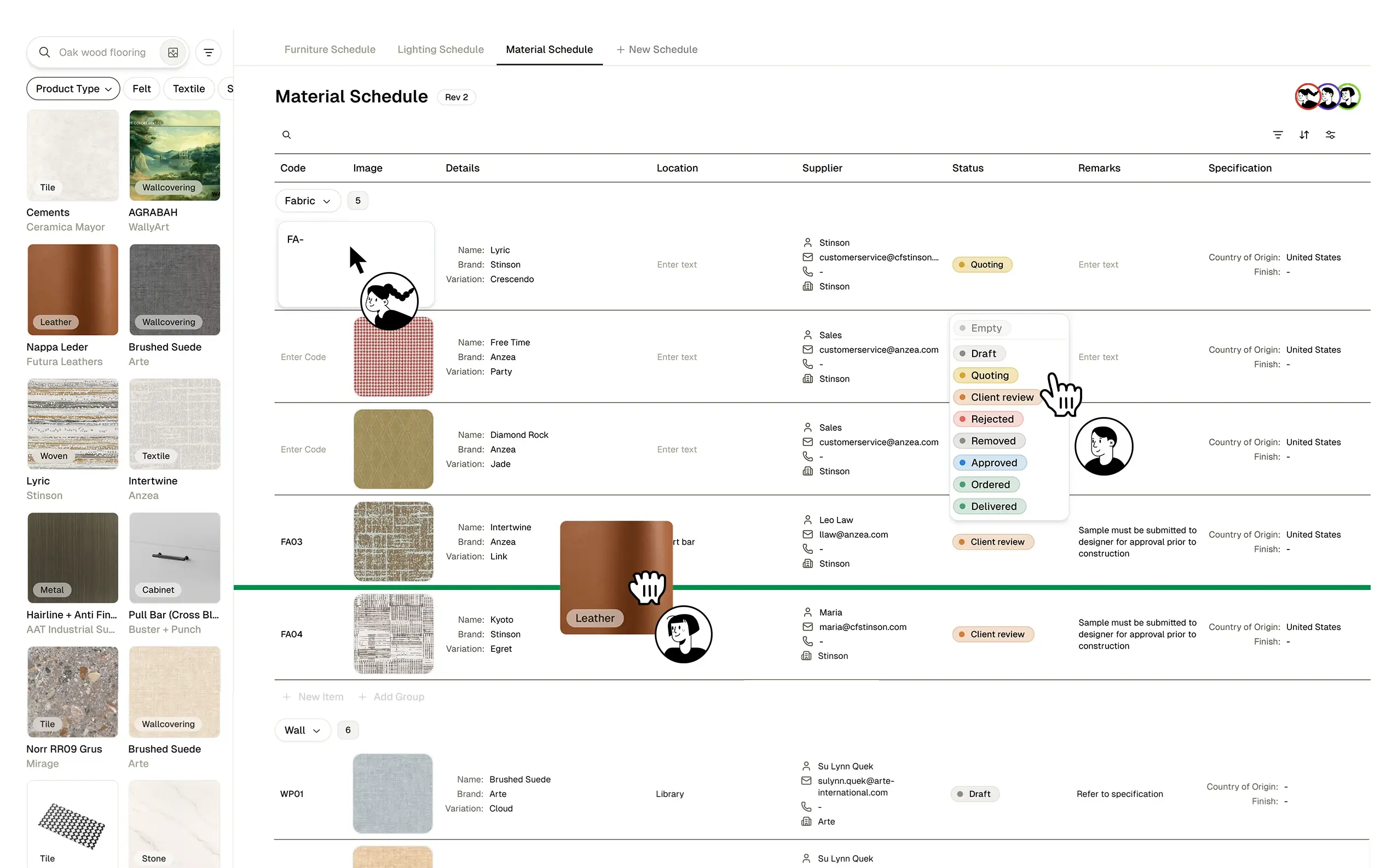
Work together with your team on schedules.
Track status updates, assign suppliers, and add remarks—all synced instantly across your project.
Customizable Exports
Choose which columns to include and format reports exactly how you need them.
Custom Branding
Add your logo and deliver polished, professional documents that reflect your studio.
Save Your Presets
Save your preferred column layouts. Apply them instantly to any project without starting from scratch.
Sync Instantly
Changes sync across your team in real-time. Stays up to date with the latest product selections and status updates.